You finally got your Pixl 8000 vape, took it out of the box, pressed the button and nothing. No light, no draw, no vapour. Don’t worry — it’s not faulty.
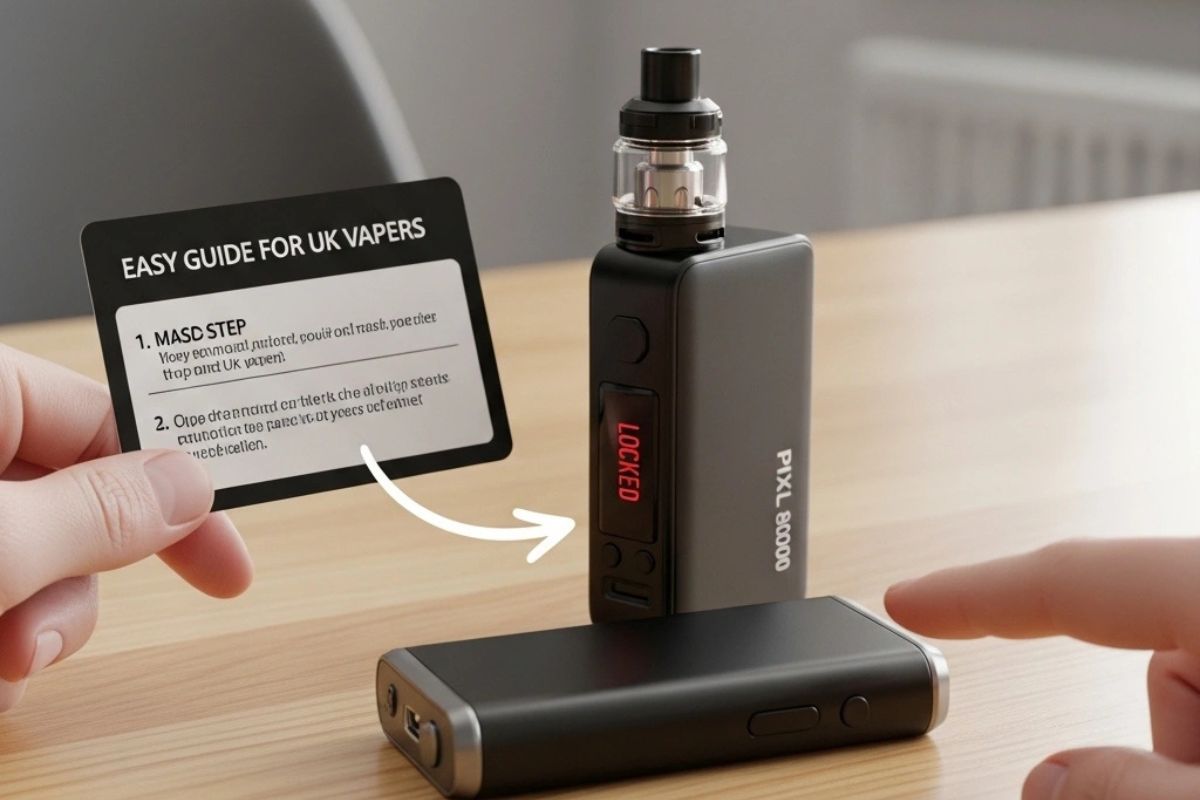
Most of the time, it’s simply locked.
The Pixl 8000 comes with a built-in safety lock — something many users overlook on first use. At Vape Deal UK, we often see this come up, so here’s a clear and simple guide to get you started properly.
Why the Pixl 8000 Comes Locked
This isn’t a defect — it’s a smart safety feature.
The lock prevents accidental activation when your device is in your pocket or bag and helps avoid unintended use. It also protects internal components like COILS, reducing the risk of burning and helping extend battery life.
Small feature, big impact.
How to Unlock Your Pixl 8000 Vape
Unlocking your device takes just a few seconds:
- Locate the power button on your device
- Press it five times quickly (around two clicks per second)
- Watch for the LED light to blink — that means it’s unlocked
To lock it again, repeat the same five-click sequence.
Simple, fast, and something worth remembering.
If your device still doesn’t produce vapour, check the battery level or ensure airflow isn’t blocked.
Why This Feature Matters
Leaving your vape unlocked can lead to unnecessary battery drain or overheating if the button is pressed accidentally.
This lock system keeps your device safe and ensures consistent performance, whether you’re travelling or just storing it between uses. It’s especially useful for users switching between Pod Kits or Refillable Kits, where device care plays a key role in long-term performance.
If It Still Won’t Unlock
If unlocking doesn’t solve the issue, try these quick fixes:
- Fully charge the device — a low battery can feel like a lock issue
- Clean the mouthpiece to remove any blockage
- Remove and reinsert the pod to reset the connection
- Replace the pod or check internal components if the vapour feels weak
In most cases, one of these steps will get your device working again.
Keeping Your Pixl 8000 in Top Shape
Once unlocked, a few simple habits can improve your experience:
- Take short breaks between puffs to protect COILS
- Store the device upright when not in use
- Charge it fully before heading out
- Use high-quality E-Liquids like Nicotine Salts
You can also explore options like Refillable Pods or Vape Starter Kits if you’re looking for more control and longer usability.
These small steps help maintain flavour quality and extend device life.
Why UK Vapers Choose Quality Devices
A good vaping experience comes down to reliability, smooth delivery, and consistent performance.
Whether you prefer simple setups or advanced systems like VAPE KIT options, choosing well-designed devices and quality liquids makes a noticeable difference. It’s all about balance — flavour, performance, and ease of use.
Final Thoughts
So, how do you unlock the Pixl 8000 vape?
Just press the power button five times quickly — and you’re ready to go.
What might seem like a minor inconvenience is actually a useful safety feature that protects your device and improves your overall experience.
Once unlocked, the Pixl 8000 delivers smooth vapour, consistent performance, and a hassle-free vaping experience.
Unlock it, use it right, and enjoy every puff.
FAQs
Q1: How do I unlock my Pixl 8000 vape?
Press the power button five times quickly. The LED light will blink to confirm it’s unlocked.
Q2: Why isn’t my Pixl 8000 working after unlocking?
Check the battery, clean the airflow, or ensure the pod is properly connected.
Q3: Is it important to lock the device?
Yes. It prevents accidental activation and helps protect internal components.
Q4: How can I tell if it’s unlocked?
The LED light will flash or respond when the device becomes active.
Q5: What improves vape performance the most?
Using quality E-Liquids, maintaining clean airflow, and taking care of your COILS all help deliver better results.